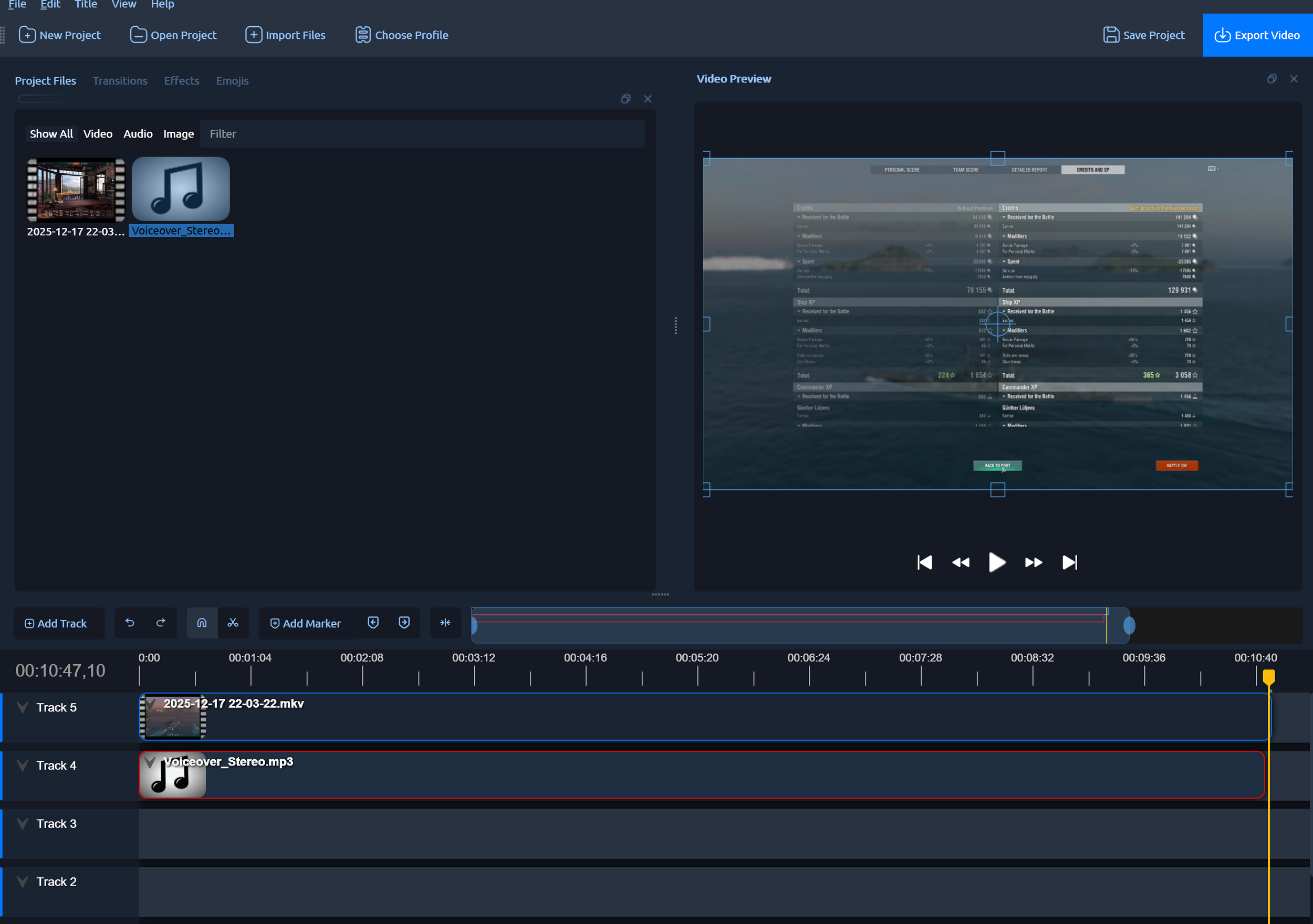
I’ve been working lately on a new YouTube channel, at least partly to learn video editing and such. The thing about this channel is I’m making a lot of lightly edited videos, and I’m doing it on Windows. I’ve used iMovie before and I really like it because, although it may have flaws, the UX really respects my times and doesn’t mess around; the hotkeys make sense, and it works well for beginners. I’ve really struggled to find something similar to use on Windows. I’d taken to using ClipChamp, which is a tool that comes with Windows that Microsoft bought from a third party. And I can see why they picked it because it has a very iMovie-like aesthetic and the UX, at least for me, is really spot on. But it has some serious technical flaws; first of all, the video output is kinda weirdly compressed and you can’t control it very much at all. Second, it keeps my computer pegged at 100% even while idle, which means that for my workflow, it was keeping the computer fans on the whole time while I was trying to record a voiceover, which was really annoying. Also, it has this nasty habit of leaving copies of your movie all over your disk, and I’m making a lot of movies so it was a real pain to keep going in and deleting them. Still, I kept using it because I just couldn’t find anything better that still had a usable UI for beginners.
Until I found OpenShot. Now, OpenShot is not perfect; it has a few rough edges, and I had to remap a couple of hotkeys. But it’s basically exactly what I want; a sane, rational product that works on Windows, is great for simple video editing, and doesn’t suck in any obvious technical way. It doesn’t have any of ClipChamp’s weird flaws and it’s been rock solid and stable for me so far. Granted, I’m not doing anything complex, but still, that’s kinda the point.
If you want to make and edit simple videos, like for YouTube, I highly recommend OpenShot. I picked it up in literally 5 minutes.
www.openshot.org