I mentioned a few times before that I’m working on my own YouTube channel, recording a bunch of gameplay videos for this video game that I enjoy playing. As part of that, I’m trying to use Open Source software for as much of the pipeline as I can; not because I’m going to do anything with the code or anything but because in 2025 there’s this real fear that software is going to change out from underneath me; for one thing, most commercial software these days is subscription based and I’m just not going to do that for lots of reasons, and even the stuff you can buy with a one-time purchase is weirdly…cranky. Like it has to update itself constantly, or it shows ads even though you paid for it, or it stops working with a new OS release, etc., etc. Open Source software is just plain more reliable because all it takes is one person to just want it to keep working and they can make that happen.
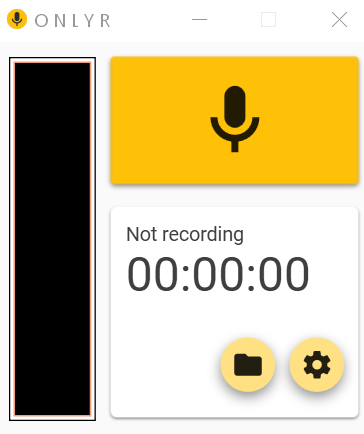
Anyway, one of the last pieces of the puzzle was the Windows Sound Recorder which I’d been using in Windows 10. It’s not a bad app; by Microsoft standards it has less bloat than most, and it basically gets the job done. But I wanted something dead simple and also open source, and I found it in a fairly obscure thing called the OnlyR Sound Recorder. This thing is exactly what I want and no more: a giant record button. The UI is super simple and looks pretty good and it works great. I have a few quibbles, such as the way it names files, but basically it works like a champ. I highly recommend it for anyone doing YouTube voiceovers.
https://github.com/AntonyCorbett/OnlyR